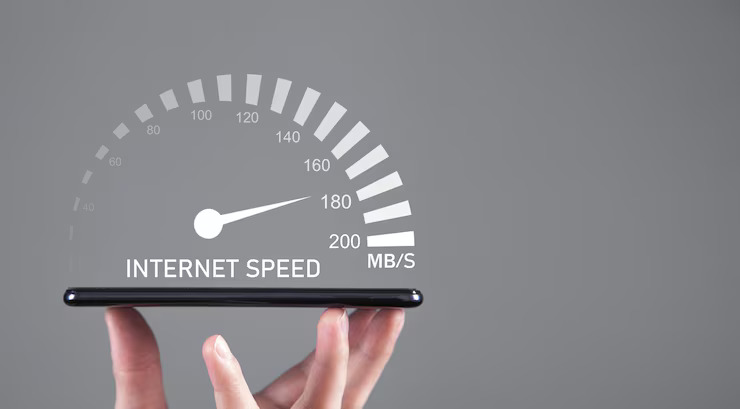
When your Wi-Fi suddenly slows down, most people assume the same thing:
“My internet provider must be throttling me.”
Or…
“I need to upgrade to a faster plan.”
But here’s the truth that surprises almost everyone:
💡 Most Wi-Fi problems have nothing to do with your internet speed.
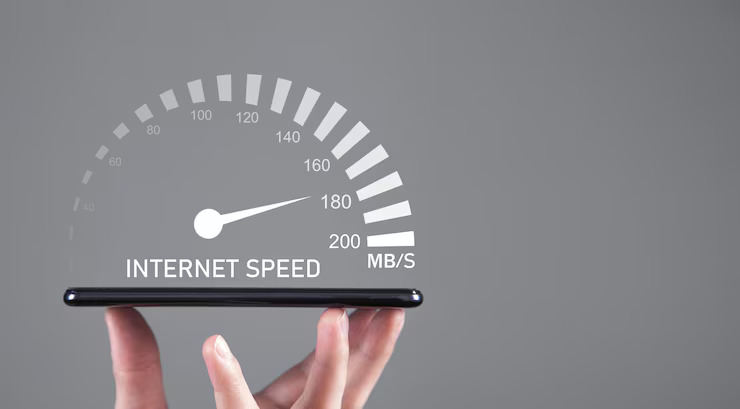
Your plan might be 100 Mbps, 500 Mbps, or even 1 Gbps—but what actually reaches your phone or laptop could be a tiny fraction of that.
Why?
Because the real bottleneck happens before the internet even reaches your device.
Let’s break down the hidden factors that make Wi-Fi slow—and how to fix them.
![Why Is My Internet So Slow? 10 Ways You're Slowing Your Wi-Fi [2024]](https://www.rd.com/wp-content/uploads/2020/09/GettyImages-1574236927-slow-wifi-home-internet-JVedit.jpg)
1. The Number One Cause: Signal Interference (Not Your ISP)
If your Wi-Fi feels slow, the biggest culprit is usually interference from other devices—especially if you live in an apartment, condo, or busy neighborhood.
Common sources of Wi-Fi interference include:
-
Your neighbor’s Wi-Fi router
-
Microwave ovens
-
Smart home devices
-
Baby monitors
-
Bluetooth headphones
-
Old wireless doorbells
-
Thick walls or metal structures
So even if you pay for high-speed internet, interference weakens the signal before it reaches your device.
This is why your Wi-Fi might feel fast at 2 a.m. but painfully slow at 8 p.m.—your neighbors are online too.
2. Your Router — Not Your Internet — Is Outdated
Many people keep the same router for 5–10 years.
But routers age faster than phones or laptops.
A router from 2015 can’t handle:
-
modern devices
-
faster broadband speeds
-
streaming 4K video
-
cloud gaming
-
dozens of connected smart appliances
Even if your internet plan is new, an old router can’t distribute modern-level data efficiently.
Signs your router is outdated:
-
It overheats
-
It drops signal randomly
-
It struggles when multiple devices connect
-
It only supports older Wi-Fi standards (like Wi-Fi 4 or Wi-Fi 5)
Upgrading your plan won’t fix this—but upgrading the router will.
3. Too Many Devices Using Wi-Fi at the Same Time
Modern homes often have 20–50 Wi-Fi devices, including:
-
TVs
-
Phones
-
Tablets
-
Security cameras
-
Smart speakers
-
Smart plugs
-
Game consoles
-
Laptops
-
Kitchen appliances
Even if each device uses just a small amount of data, together they congest the network—like too many cars trying to merge onto one highway.
This is why Wi-Fi feels slow:
-
during video calls
-
when someone is gaming
-
when multiple TVs are streaming
-
when smart cameras upload footage
The more devices you connect, the slower everything becomes.
4. Your Wi-Fi Channels Are Overcrowded
Most Wi-Fi routers use the same few channels.
If your neighbors use the same channel, signals overlap—causing slower speeds, even if your internet plan is fast.
Think of it like trying to talk in a crowded room.
Even if you speak loudly, everyone’s voices overlap.
Modern routers automatically switch channels to avoid congestion—but older routers don’t.
5. Your Router Placement Is Destroying Your Signal
One of the biggest mistakes people make:
📌 Putting the router in the wrong place.
Bad locations include:
-
inside a cabinet
-
behind a TV
-
next to metal appliances
-
near a microwave
-
on the floor
-
in a corner of the house
These obstacles weaken and scatter your signal.
Your router should be:
-
in the center of the home
-
elevated, not on the floor
-
away from thick walls
-
far from other electronics
Moving your router just one meter can improve speeds by 20–50%.
6. The 2.4 GHz vs. 5 GHz Problem You Didn’t Know About
Your Wi-Fi has two frequencies:
2.4 GHz
-
Wider coverage
– Slower
– More interference
– Overcrowded with devices
5 GHz
-
Faster
-
Far less interference
– Shorter range
– Doesn’t pass through walls well
Most slow Wi-Fi complaints come from devices automatically switching to the weaker 2.4 GHz band.
If your speed drops suddenly, your phone or laptop might have hopped onto the wrong band.

7. Your ISP Speed Doesn’t Reach Your Home as Promised
Many people don’t realize this:
Your provider advertises speed to your house,
but your router delivers speed inside your home.
Even if the ISP gives you the full speed they promised, you might only receive 10–40% of it wirelessly.
Factors like:
-
router distance
-
walls
-
old devices
-
interference
can cut your real speed in half.
So yes, the plan is fast—
but the Wi-Fi distribution isn’t.
8. Your Devices Are the Bottleneck, Not the Wi-Fi
Older devices simply can’t handle modern speeds.
For example:
-
A 2016 iPhone might max out at 150 Mbps
-
A cheap laptop might only handle 100 Mbps
-
Some smart TVs cap at 50 Mbps
-
Older smart devices only support 2.4 GHz
Your Wi-Fi may be fast—but your device can’t keep up.
9. Your Network Needs a Reset More Often Than You Think
Routers, like computers, accumulate:
-
cached data
-
background processes
-
memory overload
A simple reboot every week clears the system and restores full performance.
Most routers even allow scheduled automatic reboots—but very few people use this feature.
10. What Actually Fixes Slow Wi-Fi (Instead of Buying a Faster Plan)
Here are the most effective, science-backed solutions:
✔ Move your router to an open, central location
Free and instantly improves signal.
✔ Split your Wi-Fi into separate 2.4 GHz and 5 GHz networks
So your devices don’t randomly switch bands.
✔ Upgrade your router if it’s older than 4–5 years
The difference is massive.
✔ Reduce the number of unnecessary smart devices
Or put them on a secondary network.
✔ Switch your Wi-Fi channel using your router settings
This avoids neighbor interference.
✔ Add mesh Wi-Fi nodes for large homes
Eliminates dead zones completely.
✔ Restart your router weekly
Keeps everything running smoothly.
Final Thought: Your Internet Plan Might Not Be the Problem at All
Most people blame their ISP when their Wi-Fi slows down.
But in reality, the real issues are:
-
old routers
-
bad placement
-
interference
-
too many devices
-
wrong frequency bands
-
outdated hardware
Your internet plan might be perfectly fine—
it’s the Wi-Fi environment that’s broken.
And once you fix that, you might be shocked at how fast your connection truly is.
About the Author